
Weight tracking
Log the number. Keep the context.
A weigh-in should take seconds. Understanding it should not require a spreadsheet. 4.2 gives you a fast entry, a real history, and units that stay consistent across every screen.
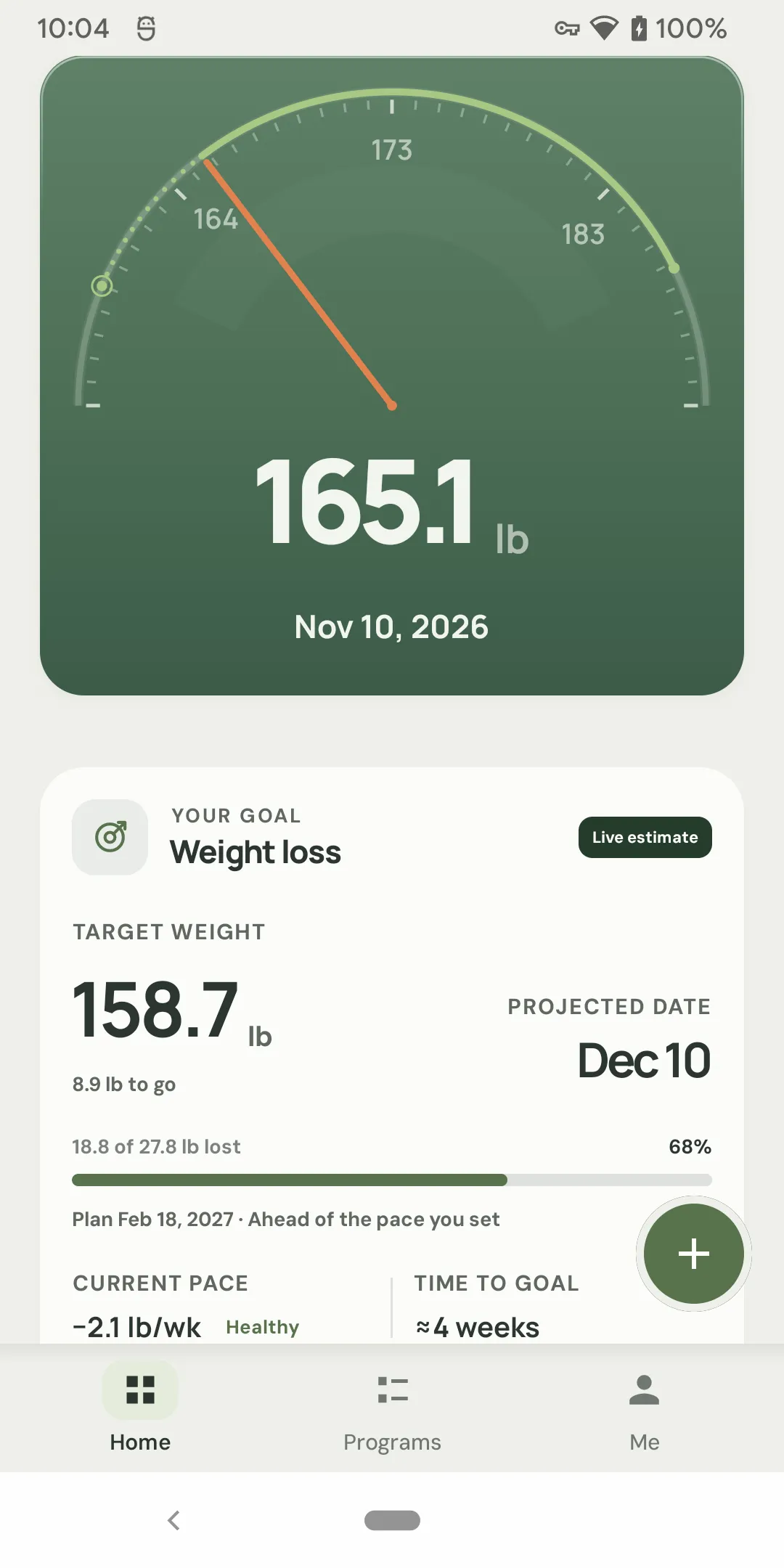
Quick weigh-in
A weigh-in that fits real life.
The weight field comes first. Date, time, and meal context are there when you need them, not in the way when you don't.
- Weight-first entry with a large numeric field.
- Change the date or time for a backfill; today and yesterday are one tap.
- Add meal context and an optional body-composition entry.
- Use last when you are repeating a measurement.
- Undo after saving, without hunting through History.
The entry is the easy part.
The hard part is trusting the record later. 4.2 keeps the original entry, the representative weight for the day, and the edit history separate — so a correction does not quietly rewrite the past.
History
A history that behaves like a record.
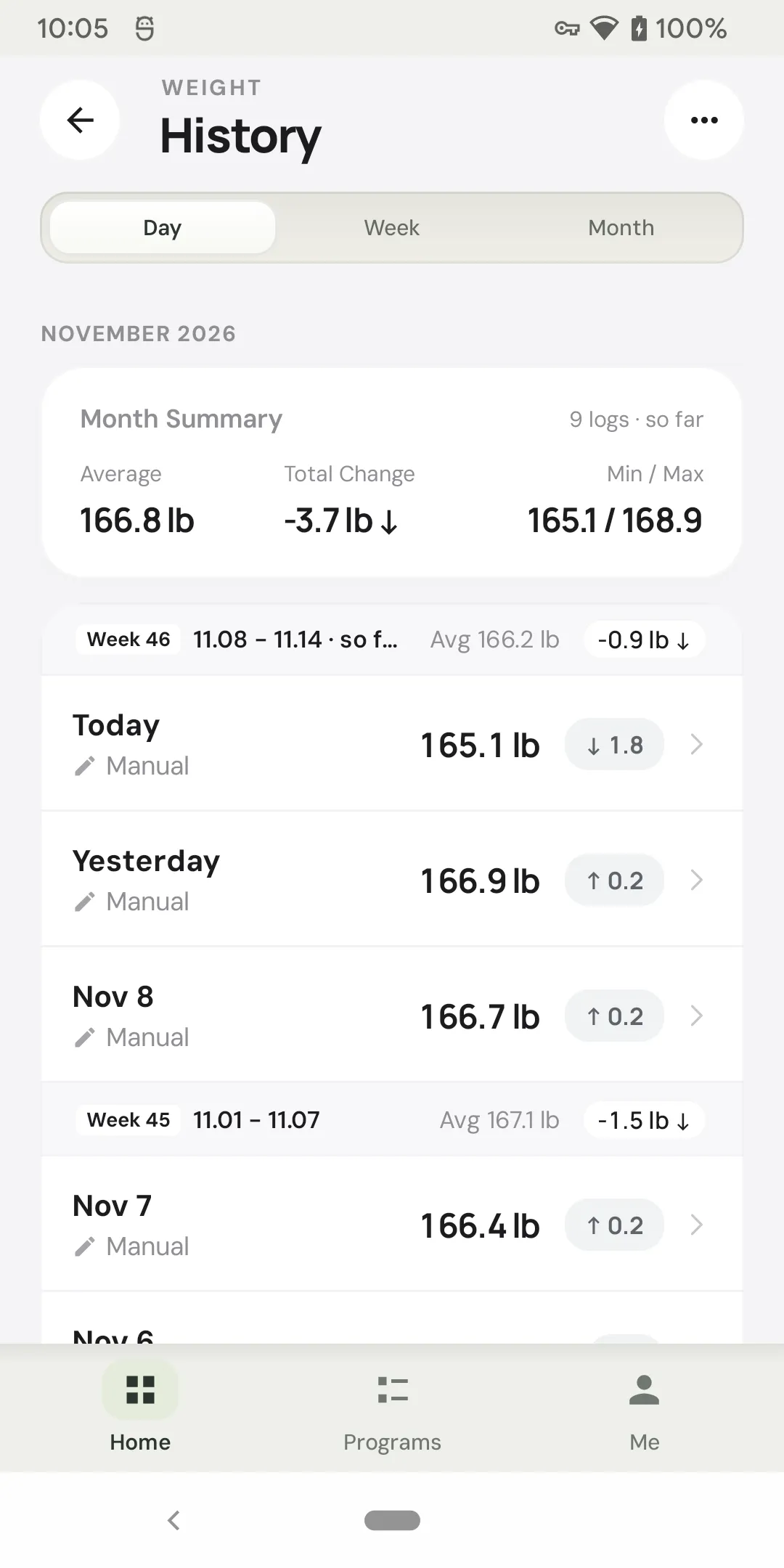
A calendar view is useful for spotting rhythm. A real record needs more: day detail, edits, filters, and a way to find the note you wrote six months ago.
Calendar & day detail
See logged days at a glance, then open a day for the weight, time, meal context, notes, and body composition.
Edit without losing the past
Correct a typo or move an entry to another time. The record keeps the change visible instead of pretending it was always that way.
Find the entry you need
Filter and search history, jump to a date, and page through older records without loading your entire history at once.
Units & consistency
The same number, everywhere.
Unit bugs are trust bugs. 4.2 uses one unit system across weigh-in, history, charts, goals, measurements, and export.
- Weight in kilograms, pounds, or stone.
- Height and measurements in centimeters or inches.
- Change the unit once; the app applies it across screens.
- Export includes both canonical values and an optional display-unit column.
Portable by design
Your data does not need our permission to leave.
Export a CSV or JSON file, protect it with a password, or create a full local backup. Import it into another profile or keep it for your own records.
CSV history
A simple weight-history export with dates, times, notes, and units — useful for a spreadsheet or another app.
Password-protected JSON
Export the full profile with optional AES-GCM password protection. The password cannot be recovered; keep it somewhere safe.
Full local backup
A .zip backup of the profile, including photos. It is not encrypted, so save it somewhere you trust.
Weight tracking questions.
Can I log more than one weight per day?
What happens if I enter a weight that looks unusual?
Can I edit or delete an old entry?
Which units are supported?
Is my weight uploaded?
Keep exploring
Weight tracking
Make the next weigh-in count.
A fast entry, a real history, and a trend that knows the difference between a bad day and a real change.
- 1M+ installs since 2013
- Current version 4.2
- No account required
- Free on Android